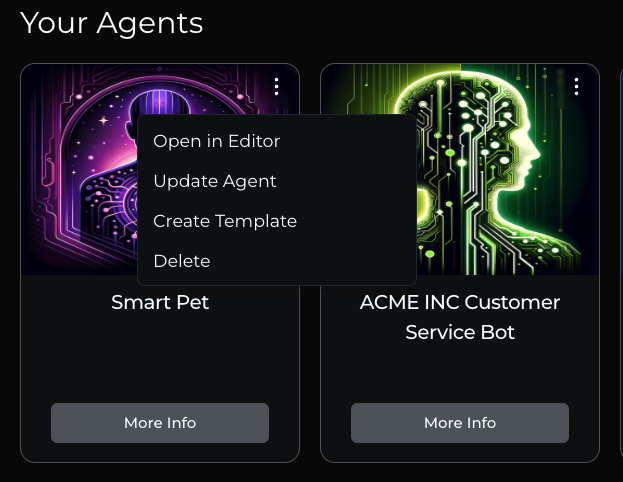
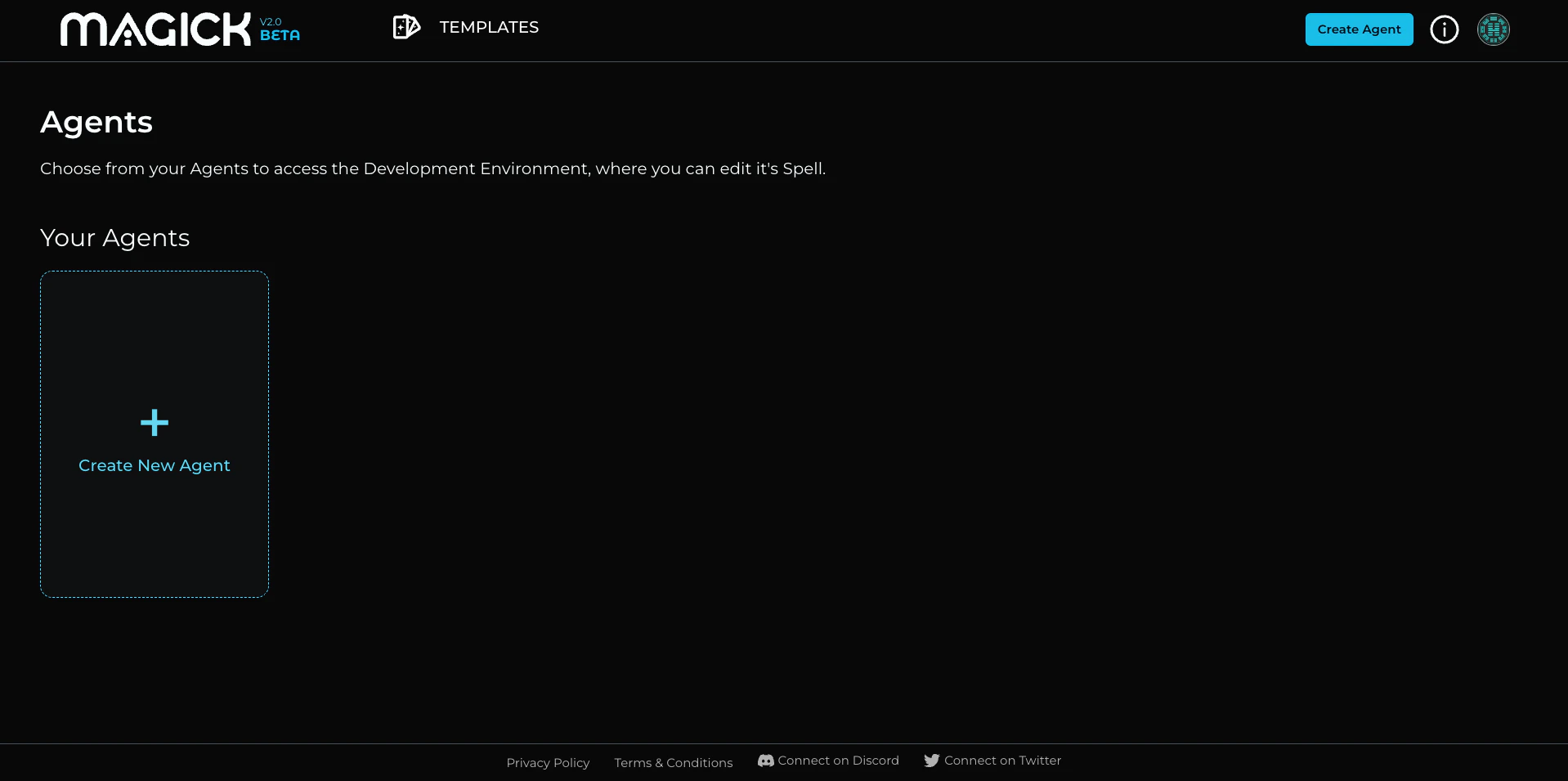
- Start with one of the following:
- a. From the My Agents Tab, click the “Create Agent” button in the top right corner
- b. Click the “Create New Agent” button on the “My Agents” screen.
- In the “Name Your Agent” dialog, you’ll see the following:
- An explanation that creating an Agent from a Template will give the new Agent the same capabilities (spells) as the Template.
- A field to enter the name for your new Agent.
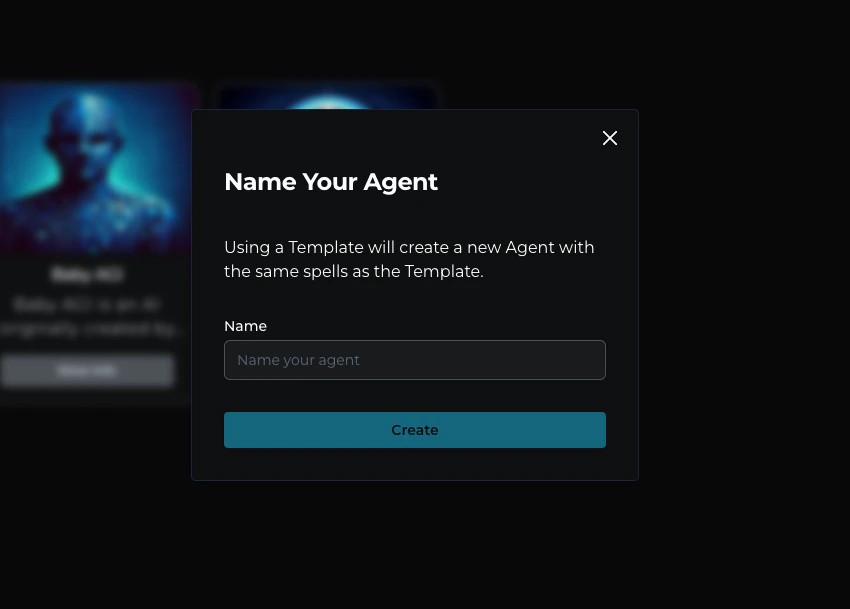
- Enter a name for your Agent in the provided field.
- Click the “Create” button.